Instagram safe zone checker
See exactly which parts of your ad Instagram will cover with buttons and captions. Drop in an image, pick a placement and check it. Your image never leaves your browser.
Your image stays in your browser. It is never uploaded.
Keep clear: Top 14%, bottom 35%, sides 6%.
Download the Reels template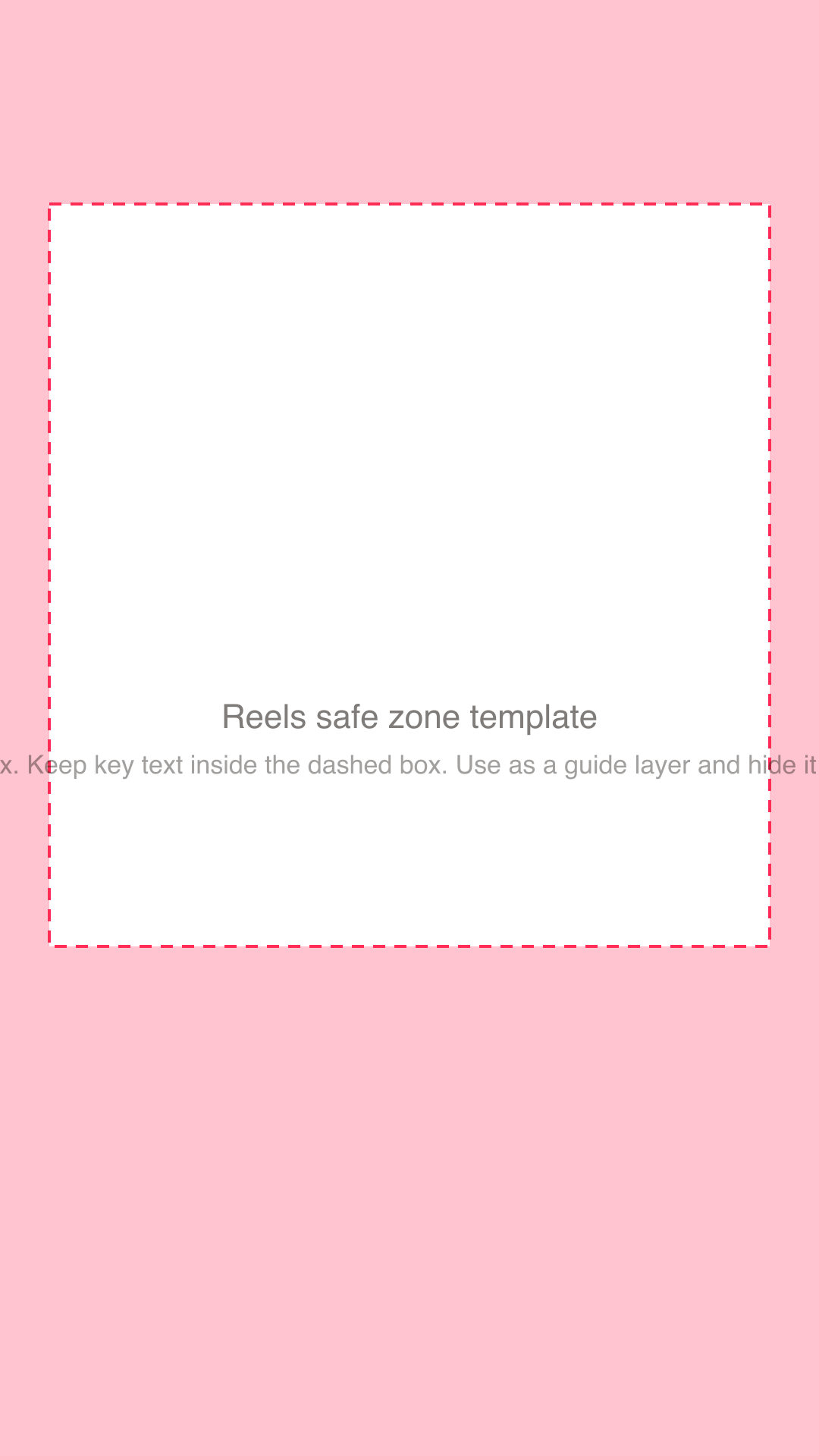
Meta ad sizes and safe areas
| Placement | Ratio | Size | Keep text clear of |
|---|---|---|---|
| Reels | 9:16 | 1080 × 1920 px | Top 14%, bottom 35%, sides 6% |
| Stories | 9:16 | 1080 × 1920 px | Top 14%, bottom 20%, sides 6% |
| Feed 4:5 | 4:5 | 1080 × 1350 px | Top 14%, bottom 20% (safe margin; Feed shows no overlay) |
| Feed 1:1 | 1:1 | 1080 × 1080 px | A 6% margin all round (carousel cards crop to this shape) |
Margins are a cautious rule of thumb, not a Meta rule. Confirm in Ads Manager's preview before you publish.
How to use the Instagram safe zone checker
- 1Choose a placement: Reels, Stories, Feed 4:5 or Feed 1:1.
- 2Add your ad image. It stays in your browser and is never uploaded.
- 3Check the shaded areas. Anything important inside them may be covered by app buttons or your caption.
- 4Move text and logos into the clear area, or download a template for the placement and design on top of it.
What the safe zone is
In Reels and Stories, Instagram draws its own interface over your ad: the account name and a Sponsored label at the top, then the caption, call to action button and reaction icons at the bottom. Anything of yours that sits under those elements can be hidden.
The safe zone is the part of the frame that stays clear. Meta's own help pages describe the idea but the exact margins change, so this checker uses a cautious rule of thumb that many advertisers follow: for a 9:16 Reel, keep key text and logos out of roughly the top 14 percent, the bottom 35 percent and 6 percent at each side. Always confirm in Ads Manager's preview before you publish.
The cost of ignoring it
An ad can look perfect in the design tool and then lose its headline or price behind the call to action button on a phone. Because most people watch on a phone, the covered area is what most of your audience sees covered.
Checking before you publish is quicker than finding out after you have spent the budget.
Meta ad sizes at a glance
Different placements use different shapes. Vertical 9:16 fills the screen in Reels and Stories. A 4:5 portrait is the tallest shape that fits the Feed without cropping. Square 1:1 works almost everywhere but uses less of the screen.
The table on this page lists the recommended size and the clear area for each placement, so you can export one ad correctly for each place it will run.
Designing for more than one placement
A common approach is to design the key message inside the area that is clear in every placement, then extend the background to fill the rest. That way one concept can be exported for Reels, Stories and Feed without rework.
Frequently asked questions
- What is the Instagram safe zone?
- It is the area of an ad that Instagram's own interface does not cover. A cautious rule of thumb for Reels is to keep text and logos out of roughly the top 14 percent and bottom 35 percent of the frame, and away from the sides by about 6 percent. Meta does not publish one fixed set of numbers, so check your ad in Ads Manager's preview.
- What size should Instagram ads be?
- For Reels and Stories use 1080 by 1920 pixels (9:16). For Feed, 1080 by 1350 (4:5) is the tallest shape that is not cropped, and 1080 by 1080 (1:1) also works.
- Does my image get uploaded?
- No. The checker runs entirely in your browser, and the image is never sent to us or anyone else.
- Do Facebook placements have the same safe zone?
- Facebook Stories and Reels use similar rules for text near the top and bottom of vertical ads. This checker is built around the Instagram and Meta placements most advertisers use.
- Can Gimme Gimme make ads that respect the safe zone?
- Yes. Every ad Gimme Gimme designs keeps text and logos inside the safe zone for its placement, so you can use it as it comes.
More free tools
Want finished ads, not just numbers?
Drop in your website and Gimme Gimme studies your brand and your competitors' longest-running Meta ads, then designs distinct, on-brand ads for you. Your first ads are free.